

Open sensitive archives where they already are: on your Mac.
Contracts, client records and patient files arrive as zip and 7z archives. Online unzip tools are off the table, and so is anything that phones home. Kutio opens, previews and extracts on your Mac, and nothing leaves it.
Where it goes wrong today
A client sends a password-protected zip, or a regulator sends a 7z. Many online tools ask you to upload the file first. For legal, finance and health work that is not an option, and the archive still has to be opened.
How Kutio handles it
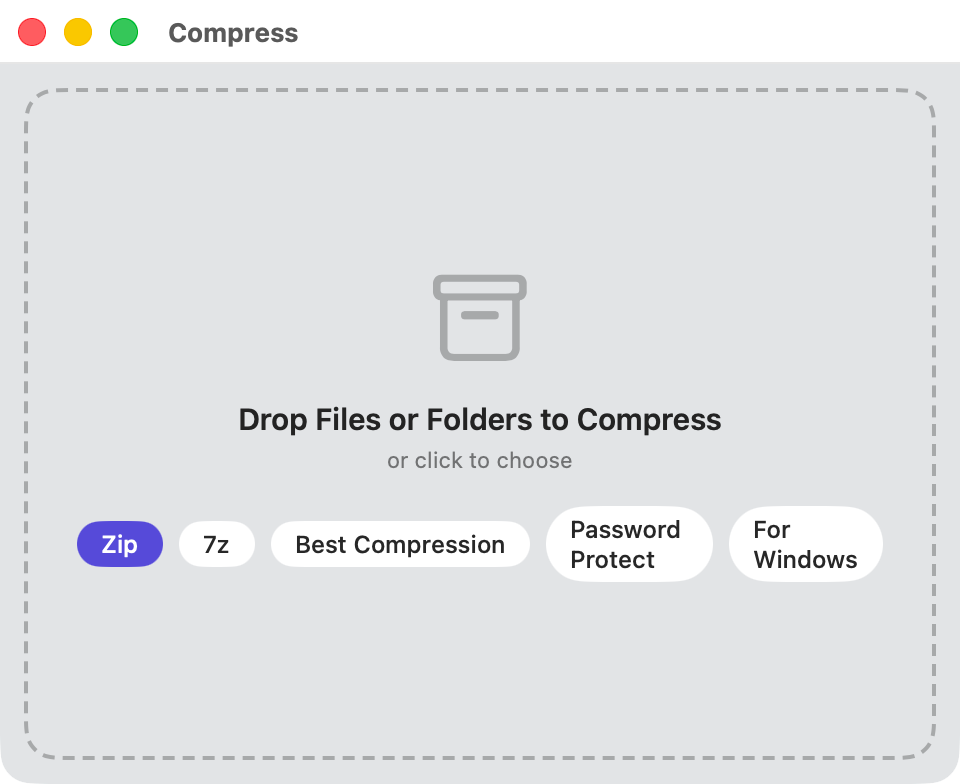
Kutio runs entirely on your Mac. Opening, browsing, previewing, extracting, compressing and encrypting all happen locally, with no account to create and nothing to sign in to. Kutio collects no analytics and sends no telemetry, and it has no network code of its own. The one exception is the Mac App Store’s own purchase system, which Apple runs, and which Kutio uses only to learn whether Pro is unlocked.
Kutio runs inside the standard macOS App Sandbox. It sees only the files and folders you open, drop onto it or grant access to through the system file picker. You can open and extract an archive you have the password for at no cost.
Kutio Pro adds AES-256 password protection for archives you create. It also edits archives in place. Every edit is written to a copy first and swapped in when it completes, so a force-quit or a power loss leaves the original archive exactly as it was. Kutio refuses to add a file to a password-protected archive without the password, because the file would otherwise sit unencrypted next to the protected ones.
What stays the same
The archive you received is not altered by opening, browsing or extracting it. Everything you made with Kutio opens in other archive tools, and a lapsed Pro subscription never locks or deletes an archive you created.
Questions people ask
Does Kutio upload my files or collect any data?
No. Kutio has no account system, no analytics and no telemetry, and contains no code that uploads a file anywhere. An archive you open in Kutio never leaves your Mac.
Can Kutio open password-protected archives?
Yes. Opening and extracting an archive you have the password for is free, like any other extraction. Creating a new password-protected archive with AES-256 is part of Kutio Pro.
How does Kutio access my files? Is it sandboxed?
Kutio runs inside the standard macOS App Sandbox. It can only see the files and folders you explicitly open, drop onto it, or grant it access to through the system’s own file picker. It has no standing access to the rest of your Mac.
Other people who use it
Designers and agencies
Browse a client’s large zip or 7z, preview files and drag out just the one you need.
Developers
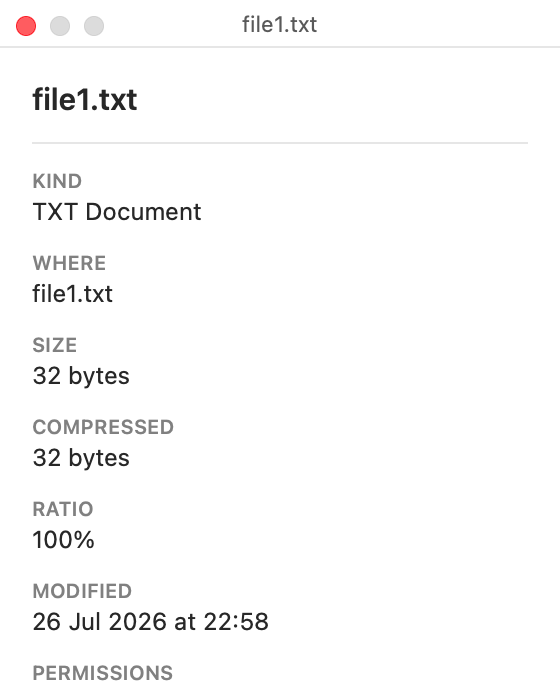
Browse tar variants and nested archives, read entry details and verify integrity, from Finder or the app.
Look inside any archive before you extract it.


Coming soon to the Mac App Store
Free to open, browse, preview and extract. No account required.
Pricing details and purchase questions