
How to open a RAR file on a Mac
A Mac cannot open a .rar file on its own. Kutio opens it, shows what is inside, previews files and extracts the ones you choose. Opening and extracting RAR archives is free.
Before you start
You need Kutio, which you can download from the Mac App Store. Kutio opens, browses, previews and extracts RAR archives for free, with no account and no file-size limit.
1. Open the archive
Drag the .rar file onto Kutio, or open it from Finder’s right-click menu. Kutio reads the archive and lists its contents without writing anything to disk.
2. Browse what is inside
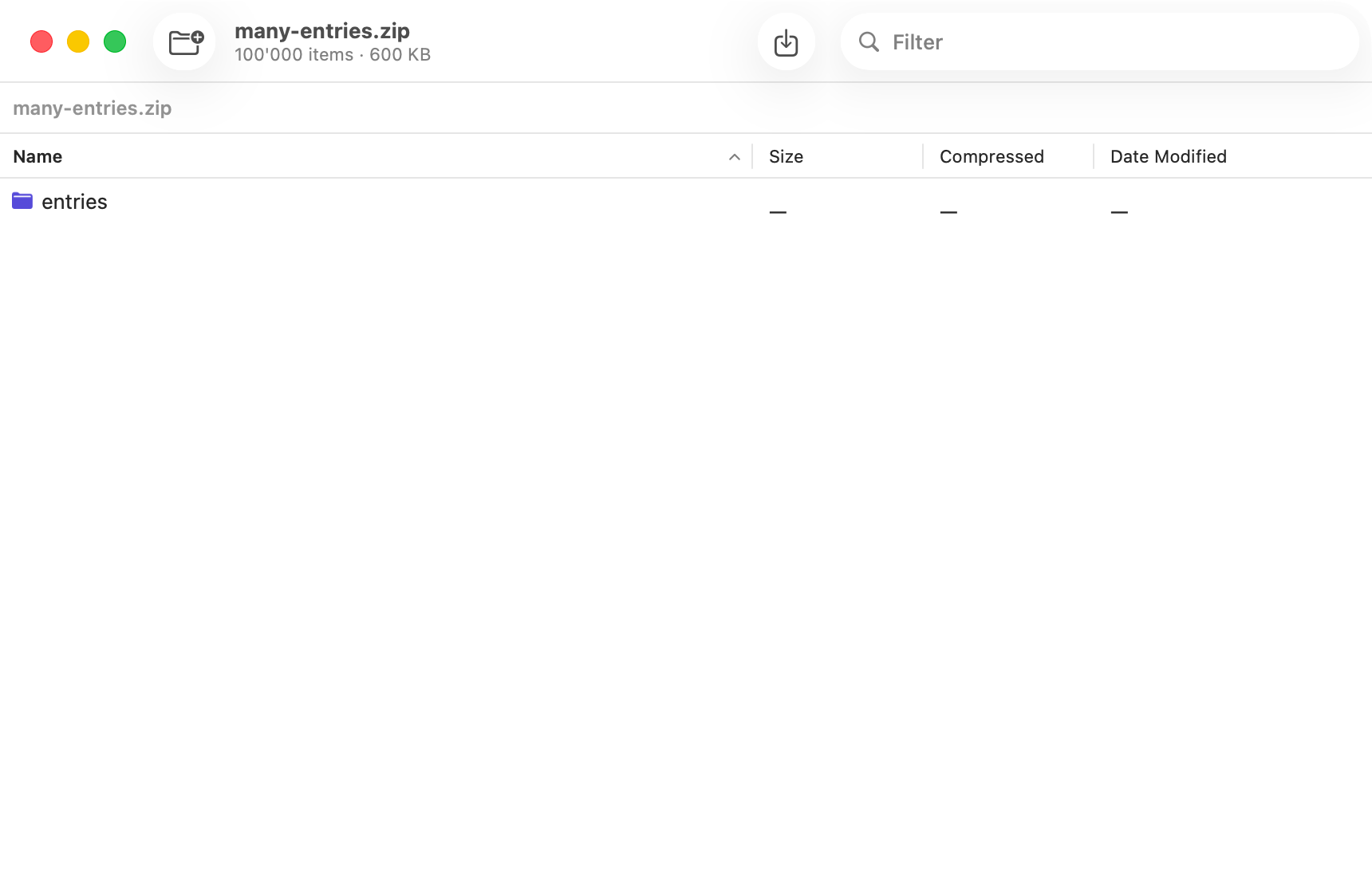
The listing works like a Finder window. Open folders, sort by name, size or date, and use the filter field to search by name. If the archive contains another archive, open that the same way.
3. Preview a file
Select a file and Quick Look shows it in place. Use it to check that you have the right file before you extract anything.
4. Extract one file or everything
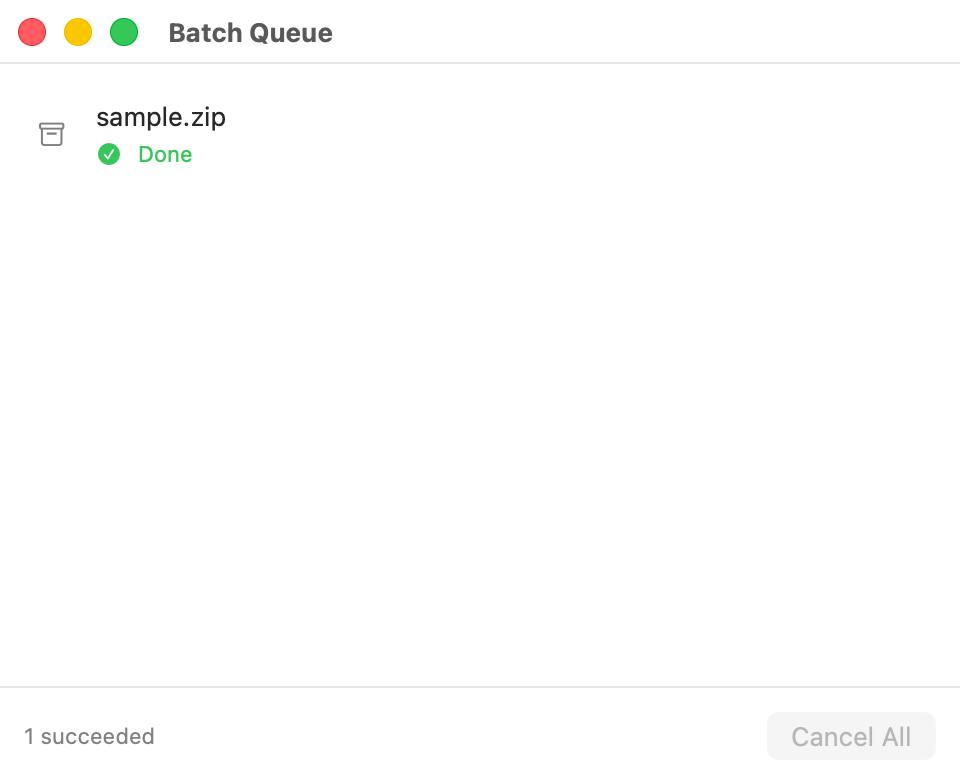
Drag a single file or folder from the listing to the Finder, a folder or another app. To take the whole archive, choose Extract. Progress appears in the batch queue.
Extracting a password-protected archive you have the password for is free as well.
A note on creating RAR archives
Kutio cannot create RAR archives and never will. RAR extraction relies on RARLAB’s own UnRAR code, and its licence forbids using that code to build a RAR-compatible archiver. To send someone a compressed file, Kutio Pro creates Zip, 7z, tar, tar.gz, tar.xz and tar.zst archives, which other archive tools open too.

More guides
How to look inside a zip file on a Mac without extracting it
Browse a zip, preview its files and drag out one, with no full extraction.
Look inside any archive before you extract it.


Coming soon to the Mac App Store
Free to open, browse, preview and extract. No account required.
Pricing details and purchase questions